
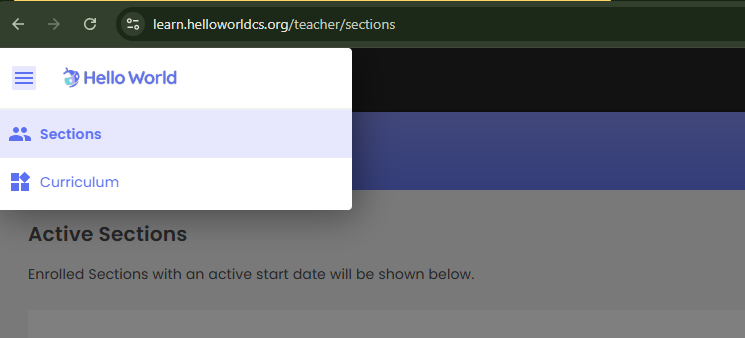
Login to your Hello World account and click the "Sections" button located in the top left-hand menu of your Hello World homepage.
screenshot of the "Sections" menu option found in the top lefthand corner of teachers
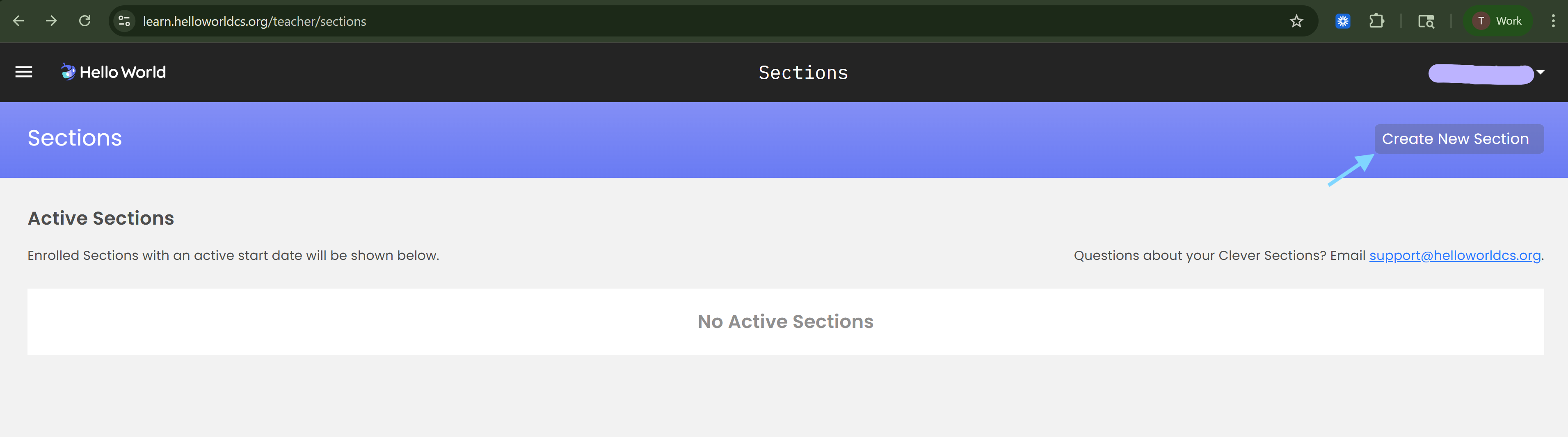
Click the "Create New Section" button in the top right-hand corner
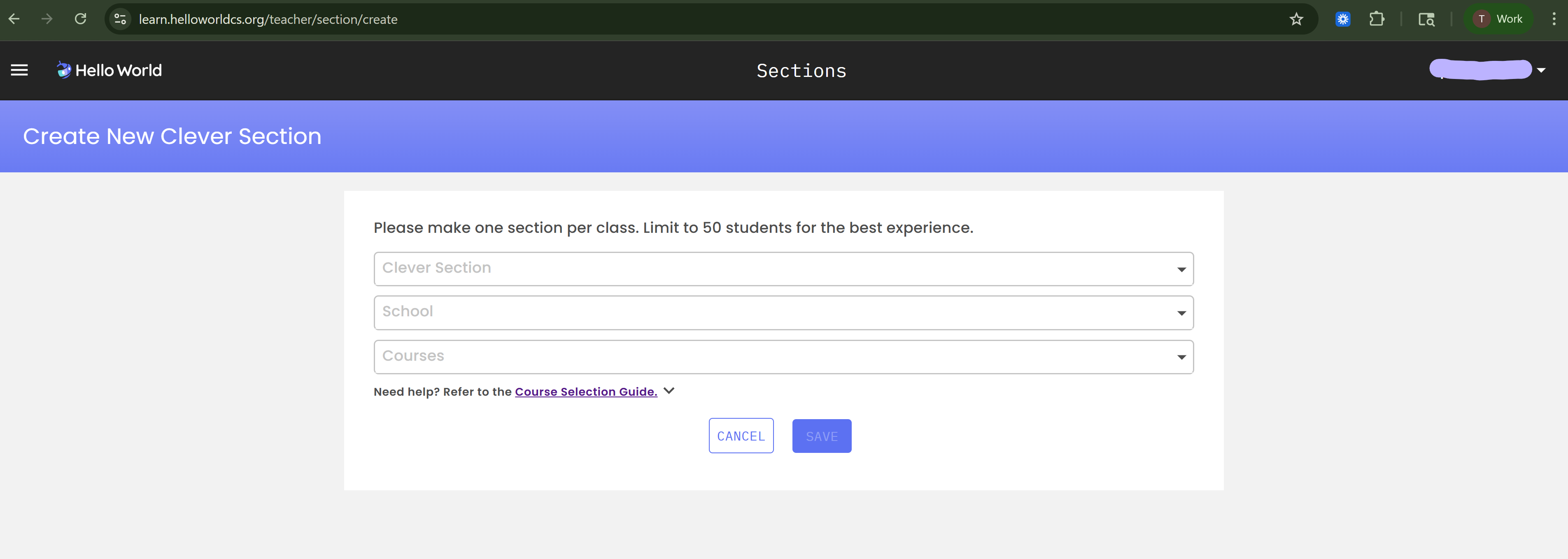
In the Create New Clever Section page you can select from a list of your Clever sections, select your school, and finally the Hello World Course/s you wish to add to your Hello World Section. Click Save.
Once you have saved your selection you will see the "Clever roster sync is pending" banner when inside of the section you just created. You can force a sync following these steps.