2026 Fall Pilot Program: Buy PD, Get Curriculum Free!
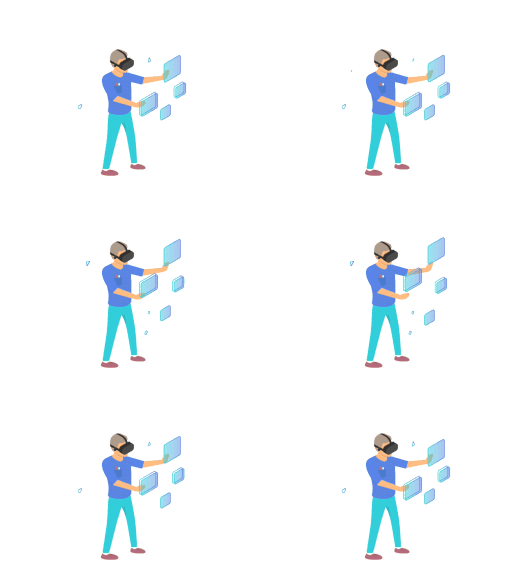
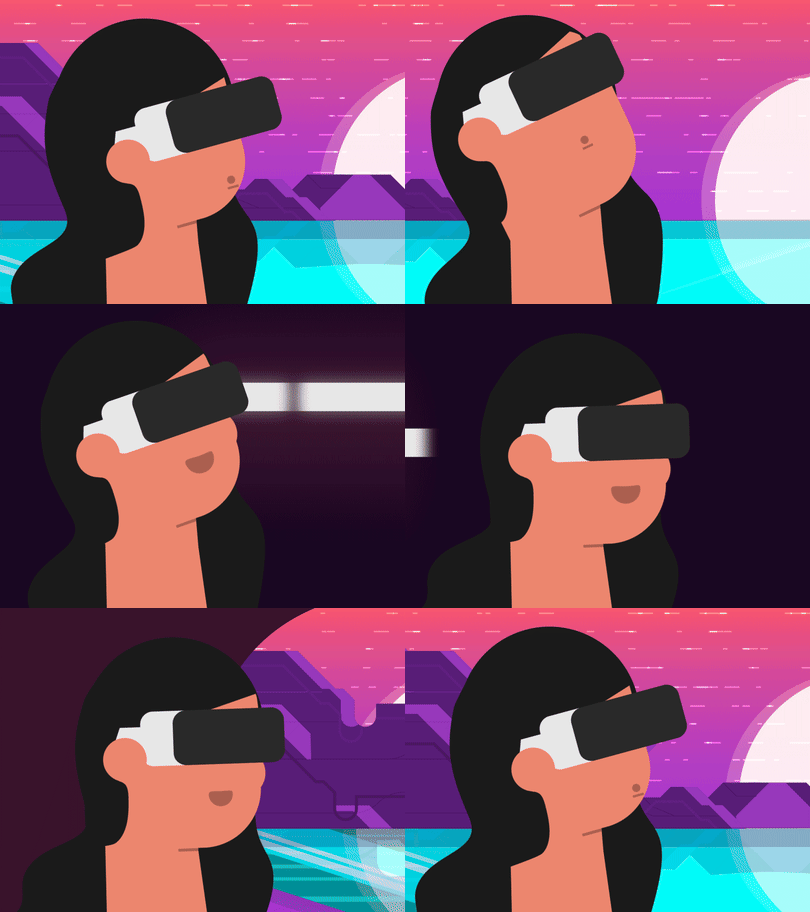
Students bring their coding and creative ideas to life through immersive virtual reality projects.

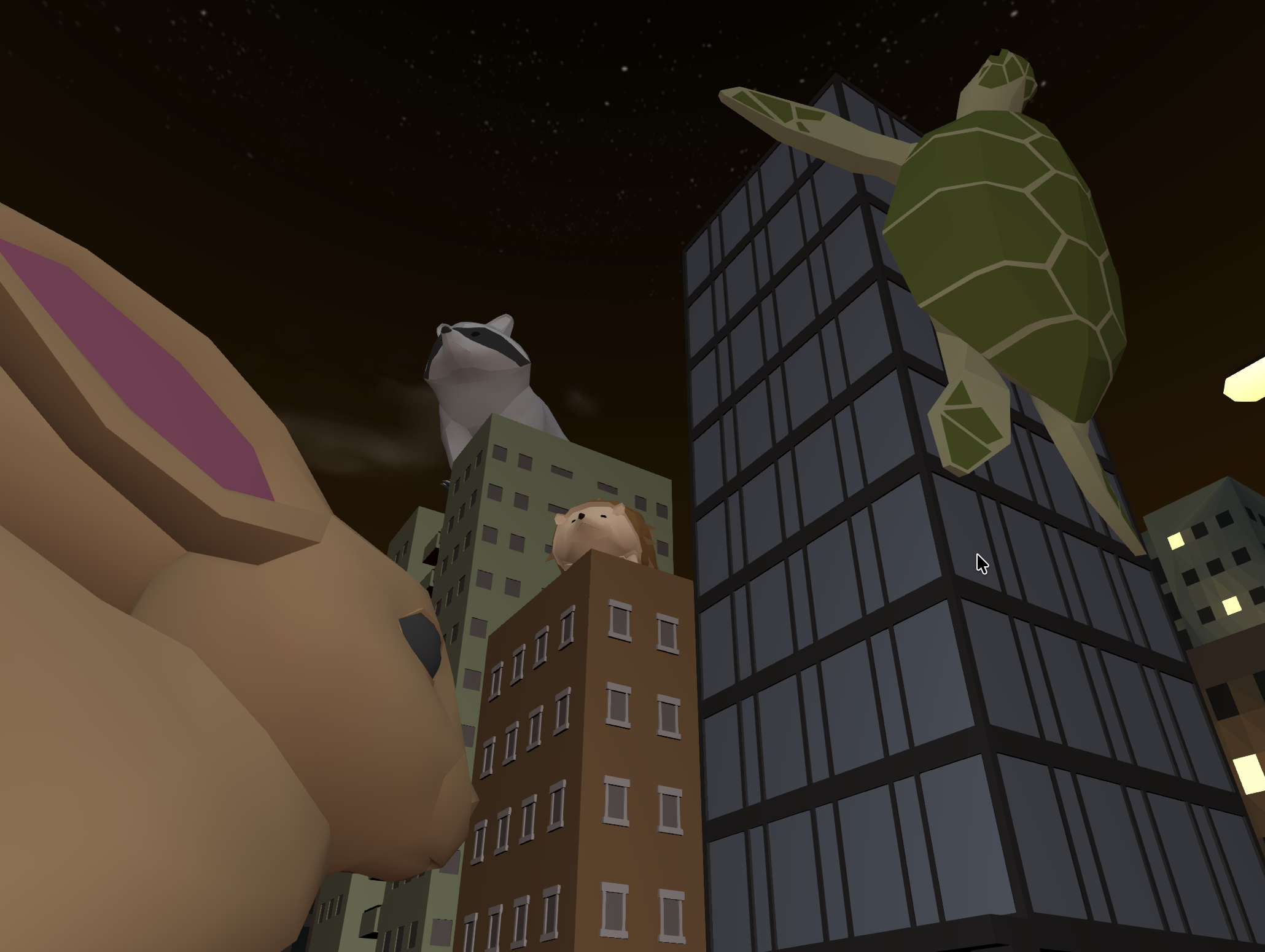


CS Connections is aligned to the CSTA 6-8 Computer Science Standards, providing opportunities for learners in Grades 5-8 to deepen their understanding of algorithms, variables, functions, conditionals, and responsible computing within our full K-12 computer science curriculum. Lessons and projects foster creativity, collaboration, and problem-solving in line with grade-appropriate CSTA expectations.

Provides pacing suggestions, key vocabulary, discussion prompts, and differentiation tips to support student choice while ensuring alignment with learning goals.

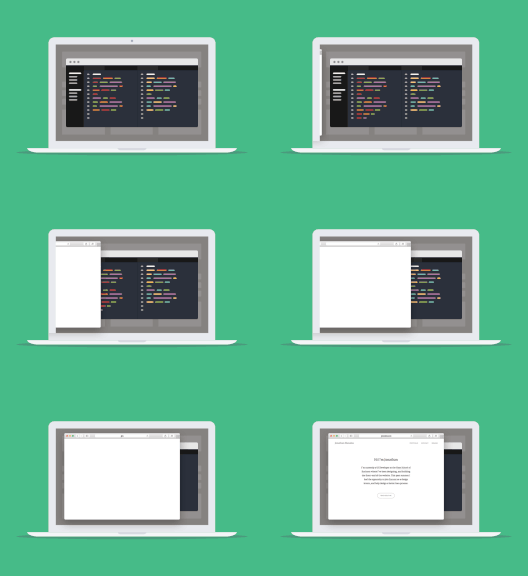
These student-facing slides walk students through each phase of the project and include embedded prompts, key concepts, and workbook activities.

Helps teachers support students, model expectations, demonstrate creative possibilities and accurate use of the code.

Supports debugging during instruction and offers a reference point for students building their own projects.

Aligned to the project's learning objectives and includes grading criteria for creativity, collaboration, and technical proficiency.

Students use workbooks (print or digital) to record their project ideas, explain their coding choices, and reflect on what they've learned.







.gif)