2026 Fall Pilot Program: Buy PD, Get Curriculum Free!
This course gives students a foundational understanding of how computers and networks actually work.
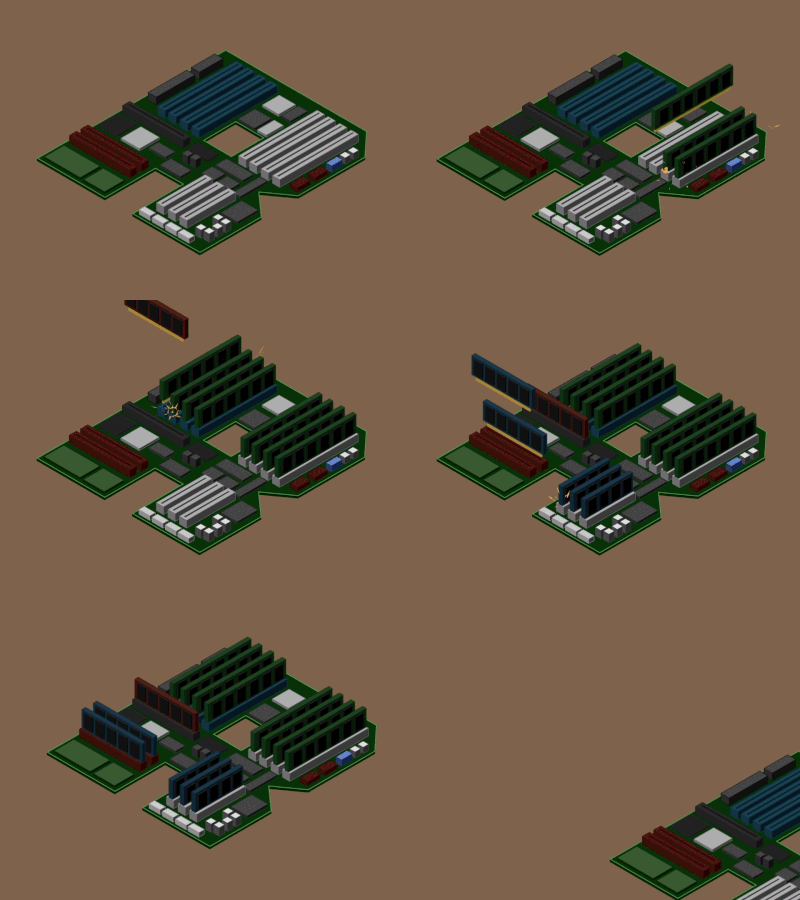


Computing Systems is aligned to the CSTA 6-8 and 9-10 Computer Science Standards, providing opportunities for learners in Grades 7-10 to deepen their understanding of computing systems, networks and the internet, data representation, and cybersecurity within our full K-12 computer science curriculum. Lessons and projects foster troubleshooting, critical thinking, and safe, responsible computing practices in line with grade-appropriate CSTA expectations.

Provides pacing suggestions, key vocabulary, discussion prompts, and differentiation tips to support student choice while ensuring alignment with learning goals.

These student-facing slides walk students through each phase of the project and include embedded prompts, key concepts, and workbook activities.

Helps teachers support students, model expectations, demonstrate creative possibilities and accurate use of the code.

Supports debugging during instruction and offers a reference point for students building their own projects.

Aligned to the project's learning objectives and includes grading criteria for creativity, collaboration, and technical proficiency.


A computer takes input (a keystroke, a tap, a sensor reading), processes it with a central processing unit following instructions stored in memory, and produces output on a screen, speaker, or another device. Hardware is the physical parts; software is the instructions; networks connect computers to each other. Hello World's Computing Systems course walks students through each layer so the devices they use every day stop being black boxes.
"Computing Systems" is one of the five core concepts in the CSTA K-12 Computer Science Standards. It covers devices, hardware and software, and troubleshooting: how the parts of a computer fit together, how programs run on them, and what to do when something breaks. Hello World's course is aligned to that concept, so it slots directly into a standards-based CS program. See the standards alignment for the mapping.
Anything that takes input, processes it, and produces output: a laptop, a phone, a smart thermostat, a game console, a car's engine controller, and the servers behind every website. Part of the course is helping students recognize how many computing systems they interact with before lunch, and how the same principles apply to all of them.
No. Hello World's course teaches hardware, software, and networks through interactive lessons and projects on standard school devices, so you don't need spare machines or a hardware lab. Schools that have old equipment can add hands-on teardown activities, but it isn't required. Check the tech requirements for what students do need.
It's the "how it works" foundation that makes programming courses make sense. Students who understand memory, processors, and networks write better code in Intro to Python and understand what actually happens when they publish a page in Web Development. It also pairs with Principles of IT for schools building an IT pathway.
Yes. The course starts from zero and includes scripted lesson plans, workbooks, and slides. Hello World's professional development gets teachers ready in as little as three hours, with office hours and 1:1 support after that.