2026 Fall Pilot Program: Buy PD, Get Curriculum Free!
This course builds practical fluency with everyday office software including word processing, spreadsheets, databases, and presentations.



Productivity Tools is aligned to the CSTA 6-8 and 9-10 Computer Science Standards, providing opportunities for learners in Grades 7-10 to deepen their understanding of data organization and analysis, digital collaboration, and professional communication within our full K-12 computer science curriculum. Lessons and projects foster organization, clear communication, and problem-solving in line with grade-appropriate CSTA expectations.

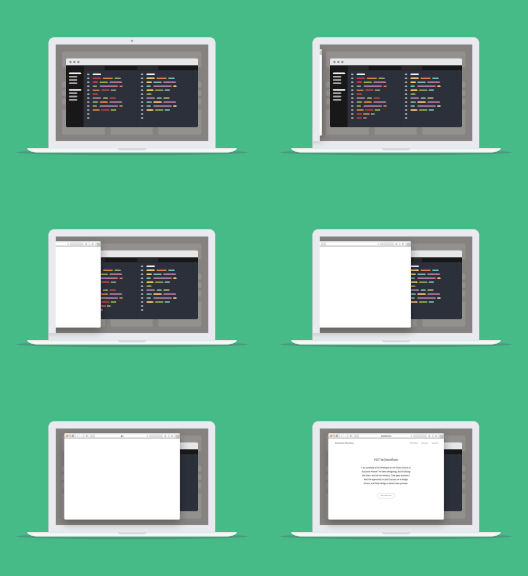
These student-facing slides walk students through each phase of the project and include embedded prompts, key concepts, and workbook activities.

Aligned to the project's learning objectives and includes grading criteria for creativity, collaboration, and technical proficiency.

Provides pacing suggestions, key vocabulary, discussion prompts, and differentiation tips to support student choice while ensuring alignment with learning goals.


A computer applications class teaches students to use everyday software productively: word processing, spreadsheets, databases, and presentations. Rather than memorizing menus, students create real documents and work with real data. Hello World's Productivity Tools course for grades 6-12 builds that fluency with every tool students need built directly into the platform, so there's no dependency on external software or accounts.
High school computer applications typically covers document formatting, spreadsheet formulas and charts, database basics, and slide design, plus the digital citizenship skills to use them responsibly. Hello World's course has students create, organize, and communicate with real documents and data, which maps to the skills employers and colleges expect on day one. It pairs naturally with Principles of IT for a fuller technology pathway.
Yes. Every Hello World course ships with ready-to-run lesson plans, interactive workbooks, dynamic slides, and assessments, designed so a teacher without a technology background can deliver them. Teachers can preview free projects with a free account, and districts get the full course through the Fall Pilot Program.
Not exactly, but it belongs in a computer science pathway. Computer applications teaches students to use software; computer science teaches how software works and how to build it. Hello World offers both, so a school can run Productivity Tools alongside Computing Systems or move students on to Web Development and Intro to Python.
No. It's one of the most accessible technology courses a school can offer, and it's often where students who don't see themselves as "coders" discover they're good with technology. Hello World's curriculum is scaffolded so concepts build on one another, and teachers get professional development plus year-round support from a dedicated PD specialist.