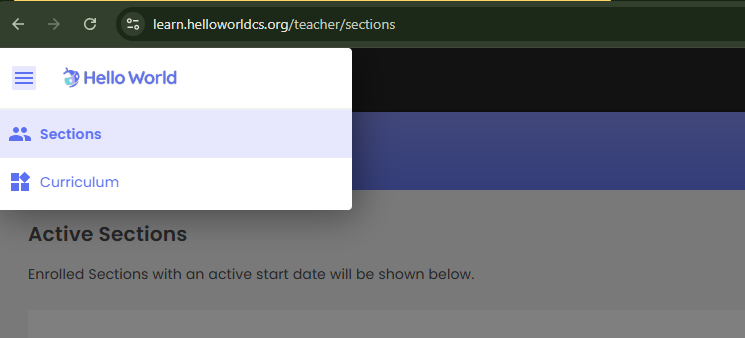
Login to your Hello World account and click the "Sections" button located in the top left-hand menu of your Hello World homepage.
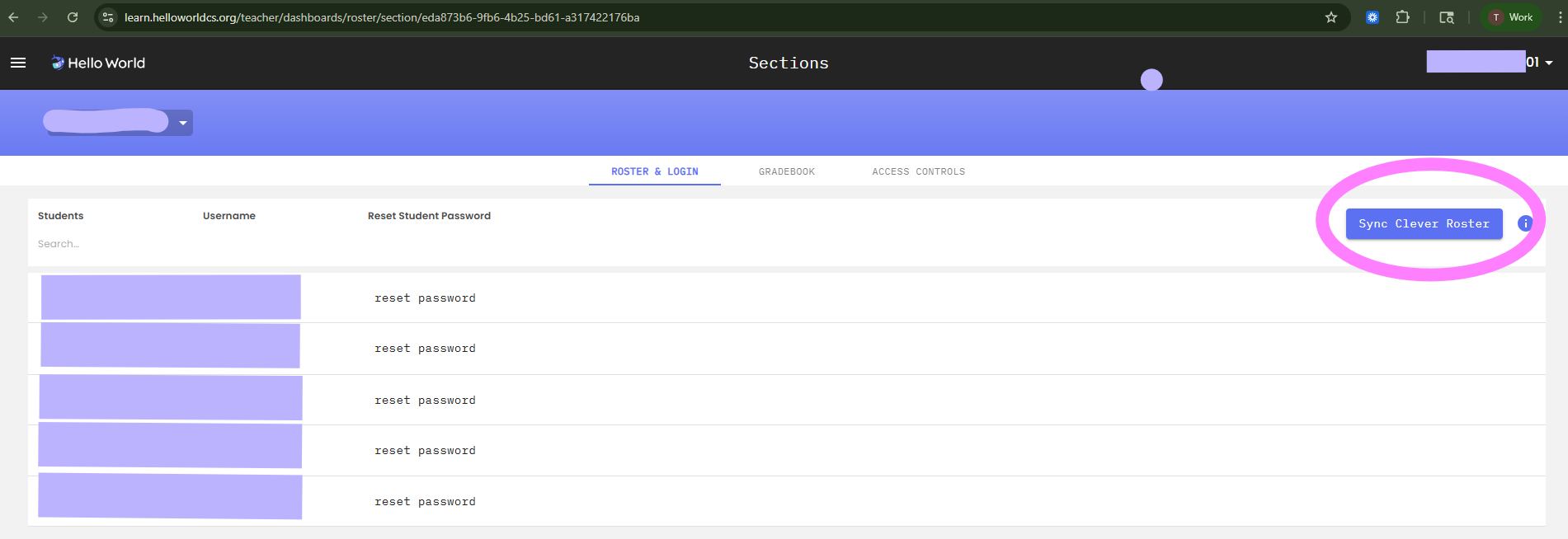
Click the Section you would like to force a sync with. When you click the section it will take you to a new screen where you will need to locate the "ROSTER & LOGIN" button in the middle of the page as show below. There, you will see the "Sync Clever Roster" button which is cirlced in pink below.