
We’ve updated the student landing page to make it easier for students to keep track of their progress. When students log in, they will see a view designed to help them get started quickly.
Note: These changes will be noticeable to students (free users only) who've returned to Hello World CS. New students will not notice a difference, but may follow this guide anyway!
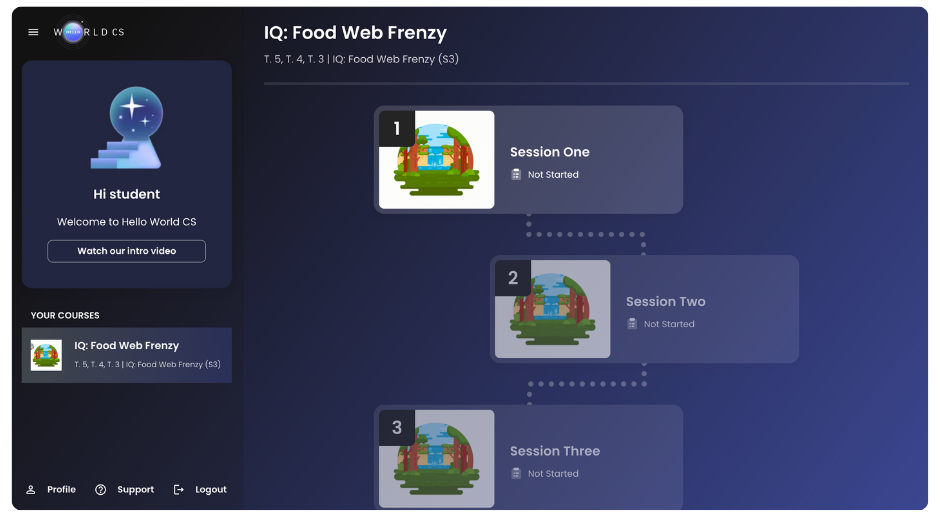
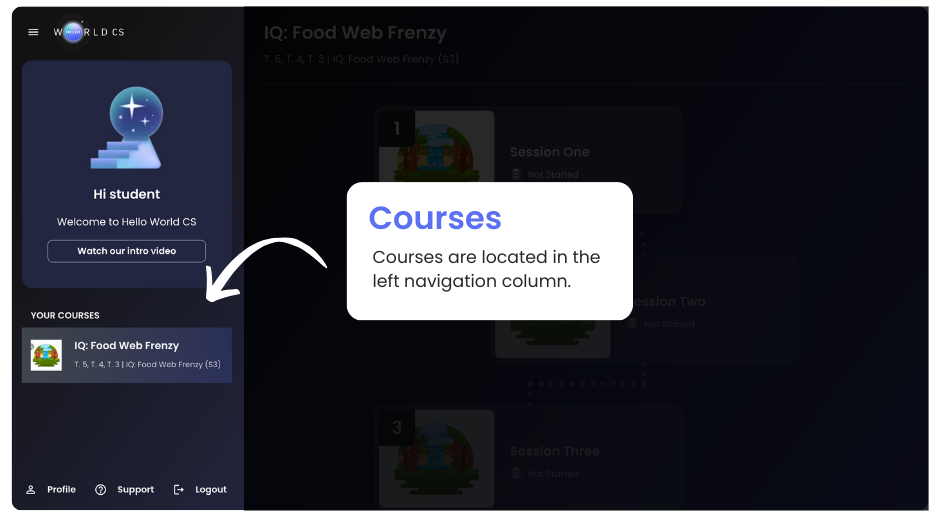
1. Courses: Find all courses in the left navigation column.
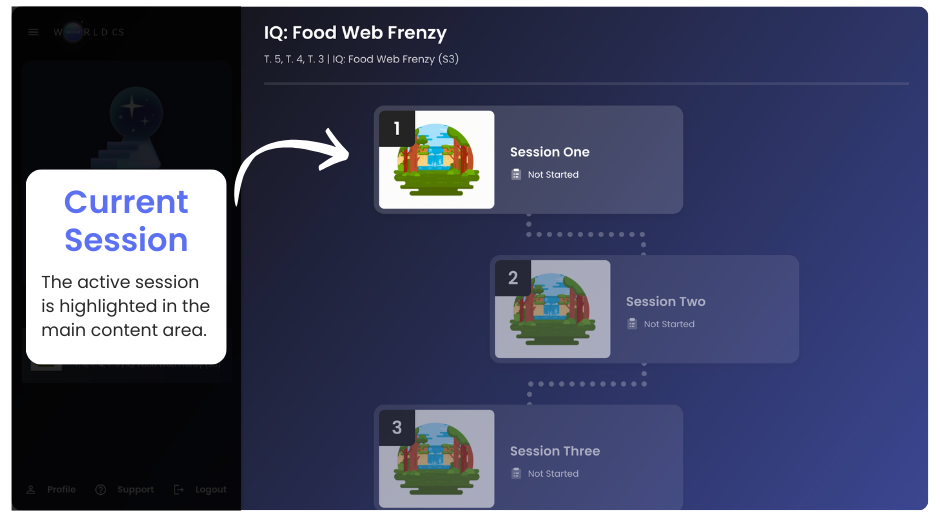
2. Current Session: The active session is highlighted in the main content area. Click the session card to begin!
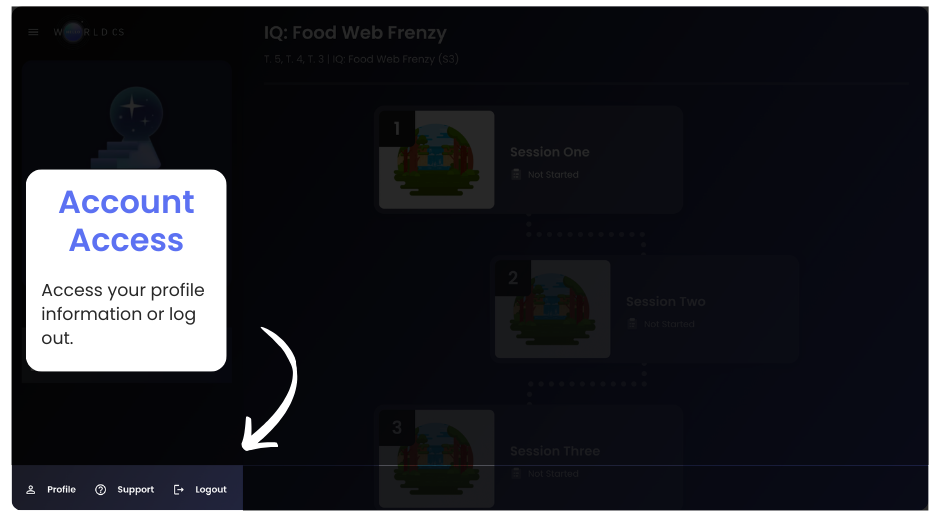
3. Account Access: Students can access their profile information or log out in the lower-left corner.
These updates are designed to help students keep track of their progress in the curriculum.
If you need help, Contact support for further assistance.