
Everything you need to connect Hello World and Clever. Whether you're a teacher linking your account, a district admin setting up your integration, or troubleshooting section names.
How to link your Hello World account to Clever.
1. Go to learn.helloworldcs.org and sign in with your Hello World username and password.
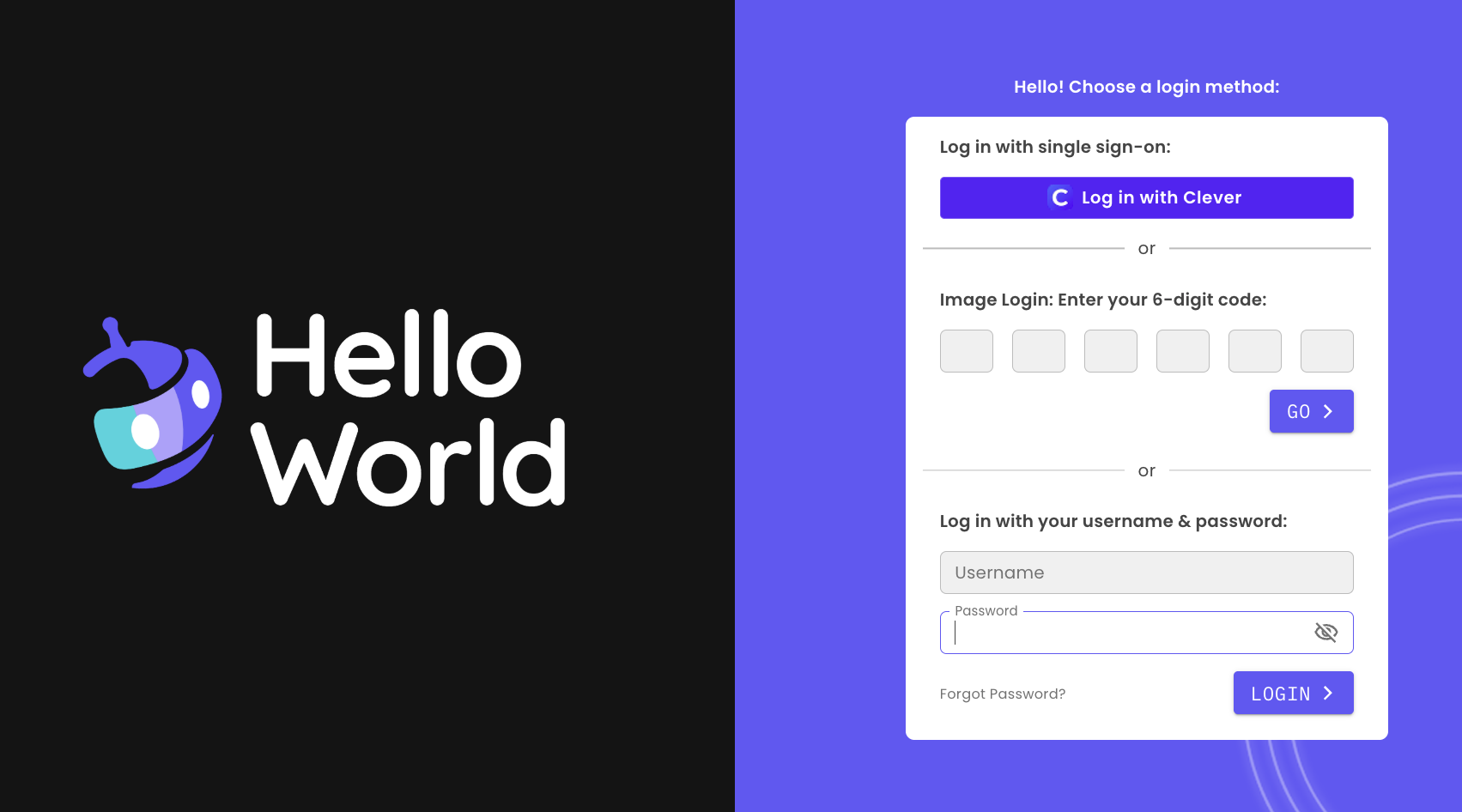
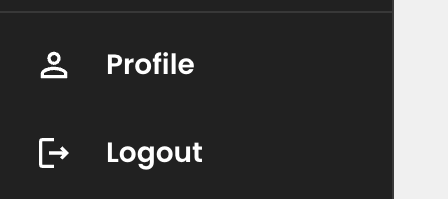
2. In the bottom left corner, click Profile.
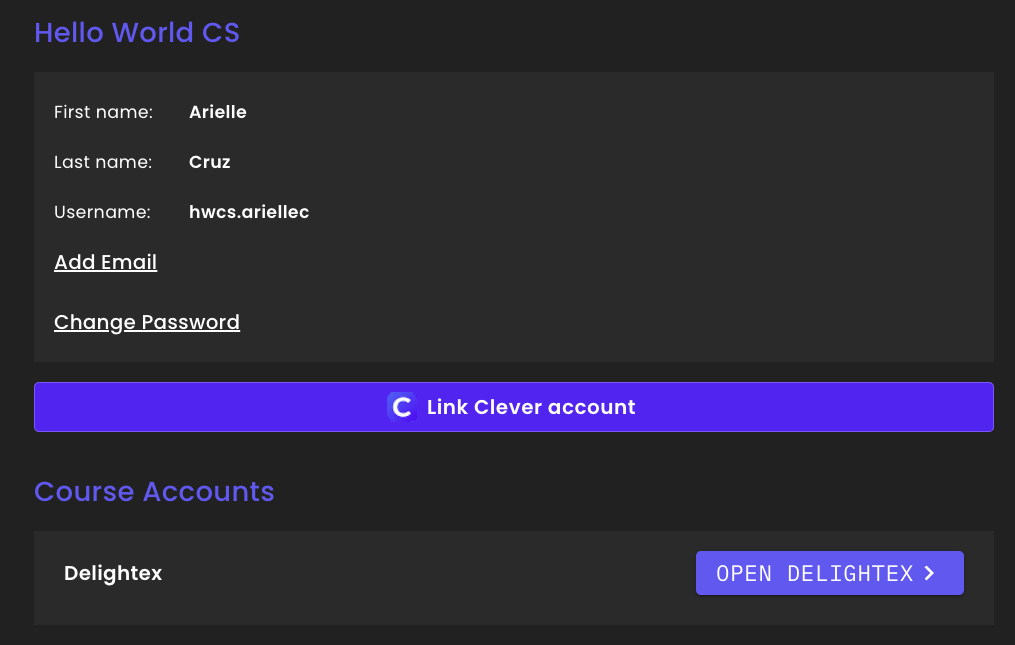
3. On your profile page, click the Link Clever account button.
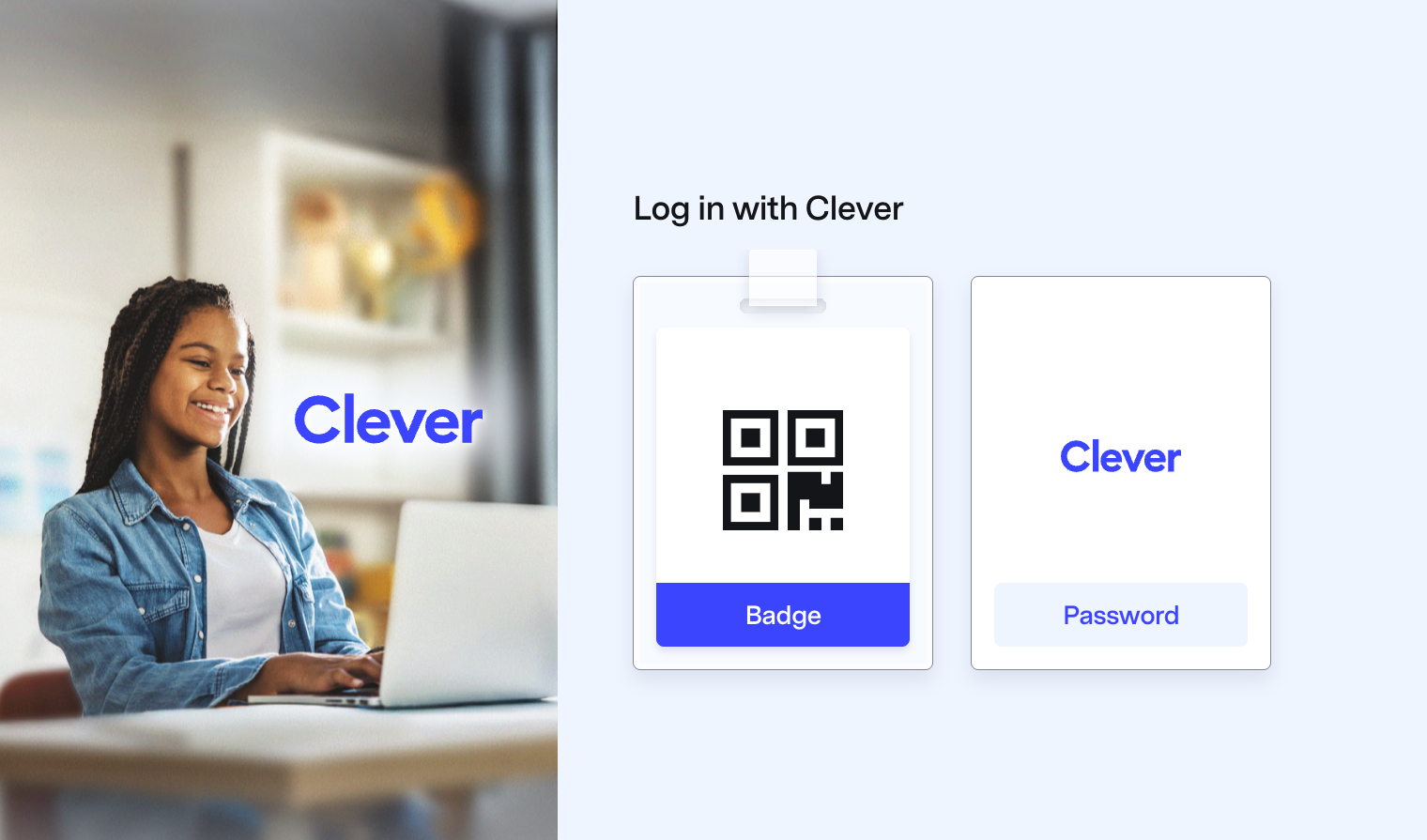
4. You will be redirected to Clever to sign in. (If you are already logged into Clever, this step will be skipped)
5. After signing in, your accounts are connected and you'll be returned to your Hello World profile. The button now reads Unlink Clever Account.

You can now use your Clever SSO to log in to Hello World from the login page.
How to connect your district's Clever account and share data with Hello World
If your district already has a Clever account
1. Hello World will send an email invitation to the District Admin with the subject line: "Set Up Hello World CS."
2. Accept the invitation one of two ways
OR
3. Review the application details, then click Accept to connect your district account with Hello World.
4. Share your data with Hello World via Guided Sharing or Standard Sharing:
5. Questions? Contact Hello World support.
If your district doesn't have a Clever account yet
Contact Clever's onboarding team at district-onboarding@clever.com or visit the Clever district signup page to get started.
Common questions about Clever and Hello World.
Why don't I like my section names? Can I change them?
Section names in Hello World are auto-generated by Clever. Hello World doesn't control these names directly. To update them, you'll need to speak with your Clever admin.