
By default, all students are forbidden from sharing their projects. As a teacher, you can change this manually.
The sharing feature setting is accessible for each Class, providing teachers with an option to decide whether students in their class may share their projects. This customization is important because not all teachers prefer to have sharing enabled in every Class.
1. Log into your Hello World Teacher account
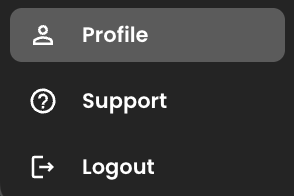
2. In the bottom left corner, click Profile
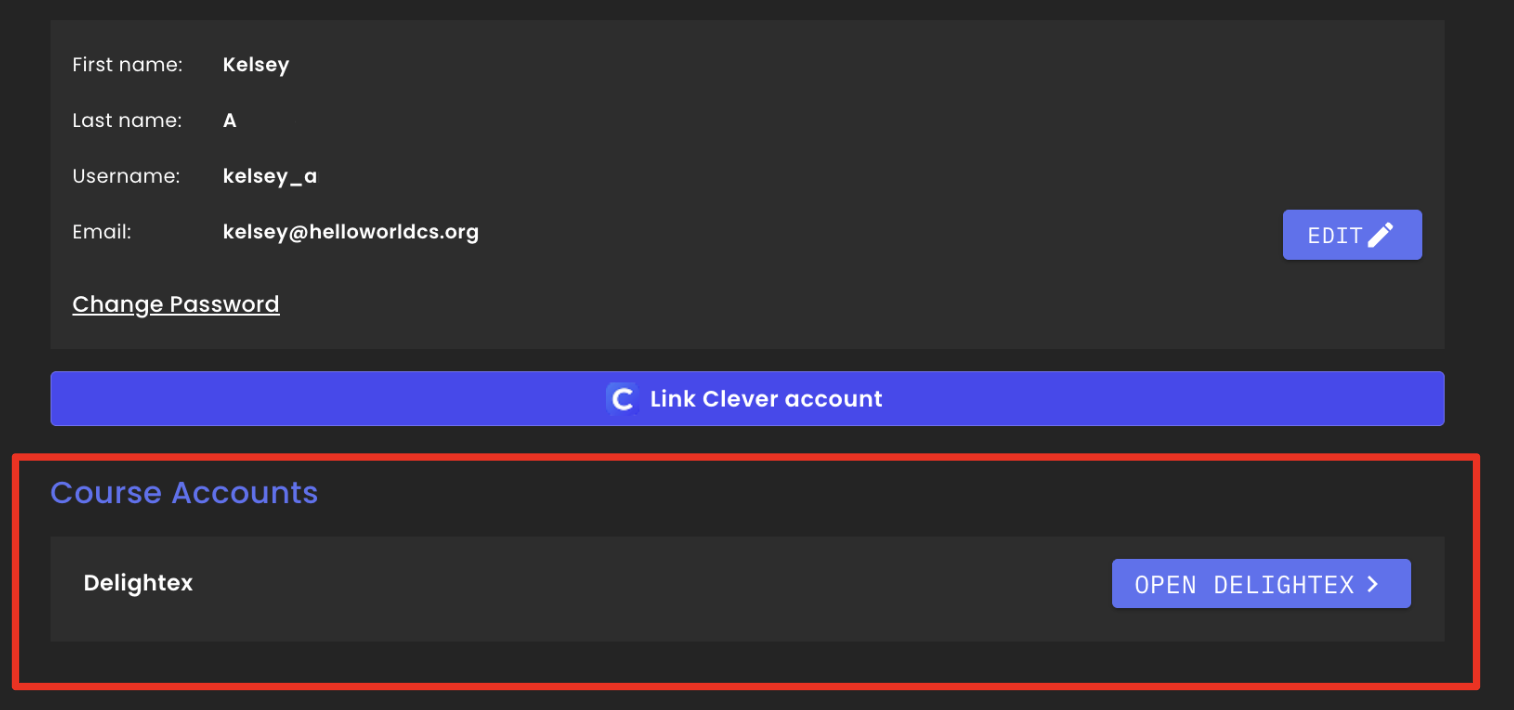
3. Click "Open Delightex"
4. When you login, click "Classes" on the lefthand side
5.. Select the Class, then select the Students tab. You'll see a list of students with their project sharing status (Enabled or Disabled).
6. You can update each student's sharing ability by clicking on the 3 dots next to their name and toggling the sharing functionality.
7. You can enable or disable the sharing feature for ALL students in each class at once:

If enabled, students will now be able to share their project following these steps-
Contact support for further assistance.