
Hello World users now have the ability to update their passwords directly from their profile. Follow the steps below to change your password:
Steps to Change Your Password
1. Log into Your Account – You must know your current password to log in and make changes.
2. Go to Your Profile – Click on your profile icon in the top-right corner and select "Profile" from the menu then click "Change Password."
3. Update Your Password – Enter your current password in the "Enter Current Password" field then new password in the "New Password" field and confirm it in the "Re-enter Password" field.
Note: the new password must be 12 characters in length.
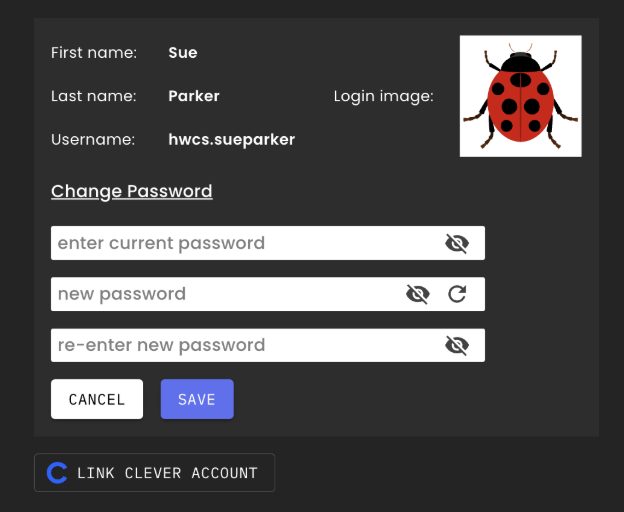
4. Check for Matching Passwords –
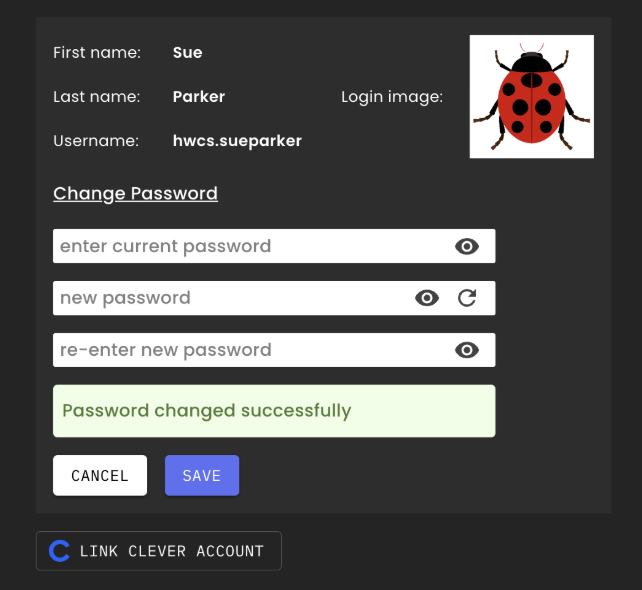
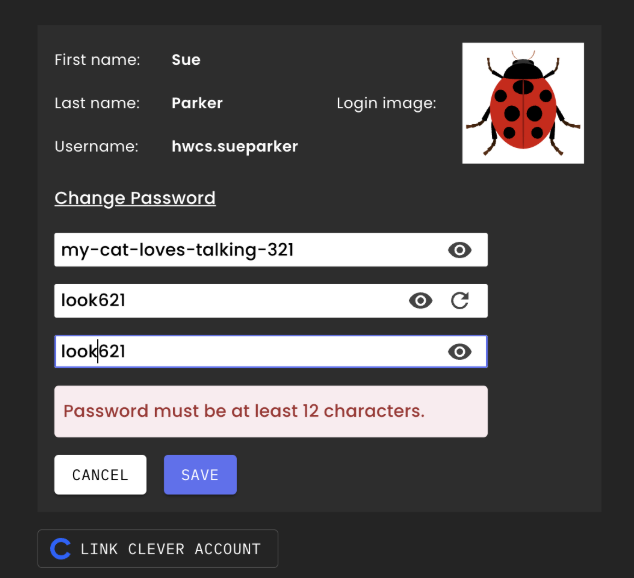
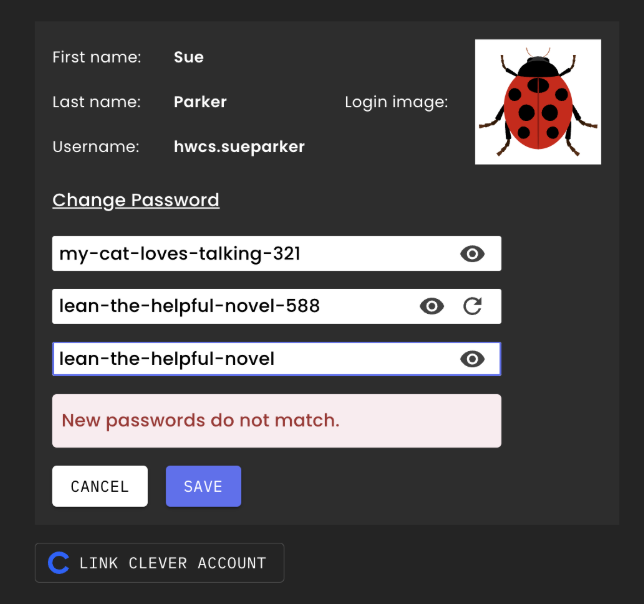
5. Use Additional Tools –
6. Save Your Changes – Once your passwords match, submit the update to finalize your new password.
If you experience any issues or forget your password, please reach out to Hello World support for assistance.